In Xcode 6, the location of the applications on the iPhone Simulator has changed. Prior to iOS 8, the location of the Documents folder of your app can be found here:
/Users/weimenglee/Library/Application\ Support/iPhone\ Simulator/<iOS_Version>/Applications/<application_id>/Documents
In xCode 6, the location of the simulator has changed to:
/Users/weimenglee/Library/Developer/CoreSimulator/
However, this location contains a list of folders for different types of simulators. If you go into this folder, you will see something like this:
Each folder correspond to a specific iPhone Simulator. To know which folder corresponds to which simulator, use the following command in Terminal:
Weis-Mac-mini:~ weimenglee$ xcrun simctl list
== Device Types ==
iPhone 4s (com.apple.CoreSimulator.SimDeviceType.iPhone-4s)
iPhone 5 (com.apple.CoreSimulator.SimDeviceType.iPhone-5)
iPhone 5s (com.apple.CoreSimulator.SimDeviceType.iPhone-5s)
iPhone 6 Plus (com.apple.CoreSimulator.SimDeviceType.iPhone-6-Plus)
iPhone 6 (com.apple.CoreSimulator.SimDeviceType.iPhone-6)
iPad 2 (com.apple.CoreSimulator.SimDeviceType.iPad-2)
iPad Retina (com.apple.CoreSimulator.SimDeviceType.iPad-Retina)
iPad Air (com.apple.CoreSimulator.SimDeviceType.iPad-Air)
Resizable iPhone (com.apple.CoreSimulator.SimDeviceType.Resizable-iPhone)
Resizable iPad (com.apple.CoreSimulator.SimDeviceType.Resizable-iPad)
== Runtimes ==
iOS 7.0 (7.0 - Unknown) (com.apple.CoreSimulator.SimRuntime.iOS-7-0) (unavailable, runtime path not found)
iOS 7.1 (7.1 - Unknown) (com.apple.CoreSimulator.SimRuntime.iOS-7-1) (unavailable, runtime path not found)
iOS 8.0 (8.0 - 12A365) (com.apple.CoreSimulator.SimRuntime.iOS-8-0)
== Devices ==
-- iOS 7.0 --
-- iOS 7.1 --
-- iOS 8.0 --
iPhone 4s (8C1303A2-C590-4822-BB9B-12EC32035C8C) (Shutdown)
iPhone 5 (402C822D-567F-4F3A-B113-1499C5A7949C) (Shutdown)
iPhone 5s (B6D71F6A-E94B-47ED-AF25-882FDEF8E6F5) (Shutdown)
iPhone 6 Plus (5BCD1507-6F06-4D66-B71D-47670EB703B2) (Shutdown)
iPhone 6 (00100565-4E4D-4D9A-A875-544E0A6E4F4F) (Booted)
iPad 2 (187D75DD-824D-4381-AE2F-BDF57FEB87E0) (Shutdown)
iPad Retina (604667D3-8366-4147-B0AD-F7840198713C) (Shutdown)
iPad Air (01D6AEBC-F12A-47EE-82CB-0140AF117AE0) (Shutdown)
Resizable iPhone (9C138BCD-BFB9-4AEB-A218-F0F99F678220) (Shutdown)
Resizable iPad (4966C908-AAA7-43EC-8E3A-EADF8BFA3C05) (Shutdown)
Weis-Mac-mini:~ weimenglee$
In my example here, I am looking for iPhone 6, which has the device id of 00100565-4E4D-4D9A-A875-544E0A6E4F4F. You can then go into this folder and the following path shows the folder that contains all the applications installed on this simulator:
/Users/weimenglee/Library/Developer/CoreSimulator/Devices/00100565-4E4D-4D9A-A875-544E0A6E4F4F/data/Containers/Data/Application/
You can now locate your specific application and find the Documents folder:
/Users/weimenglee/Library/Developer/CoreSimulator/Devices/00100565-4E4D-4D9A-A875-544E0A6E4F4F/data/Containers/Data/Application/FD7949EA-7D39-4BC6-95F4-77F320592651/Documents/

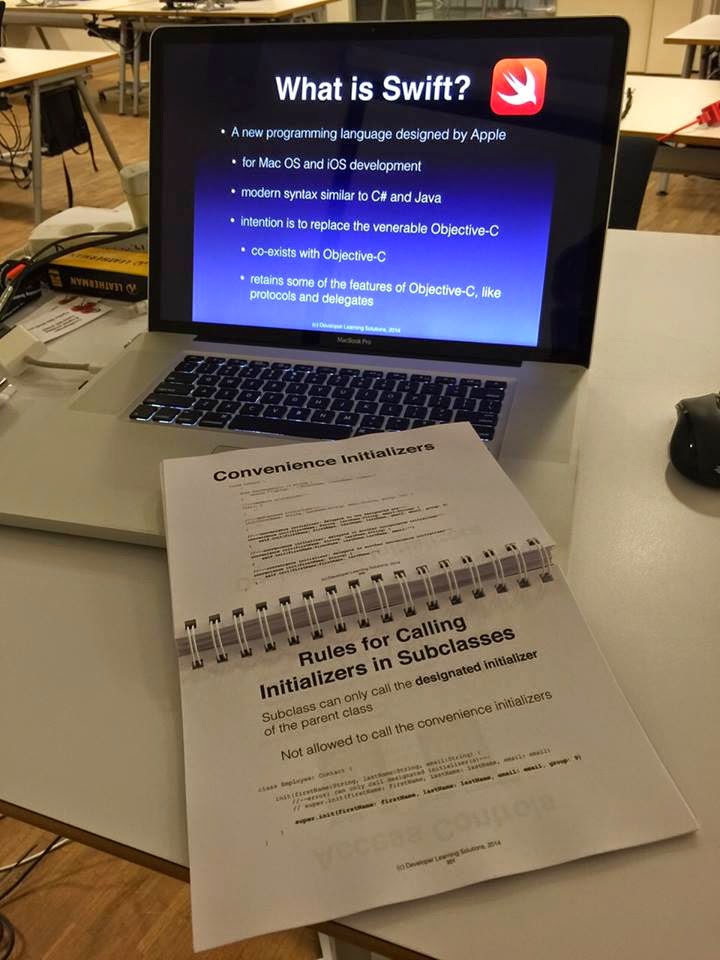 If you are an iOS developer, you should definitely get a head start in Apple's new programming language for developing iOS and Mac OS X applications. Designed to be an easy to learn and type-safe language, Swift allows developers to get productive in a very short time. Come and join us and learn all the important features of Swift in 2 days!
 My latest book- Beginning Swift Programming will be released in Dec 2014. Designed to be a gentle introduction to the new language, it is ideal for readers who are already familiar with object oriented programming, as well as existing iOS programmers who need a quick guide to the features and syntax of the language. Educators teaching the Swift Programming language will find this book a handy learning guide and resource. In addition, companion slides for educators are also available for adopters of this book.
 In this lesson, you will learn how to create and use dictionaries in Swift.